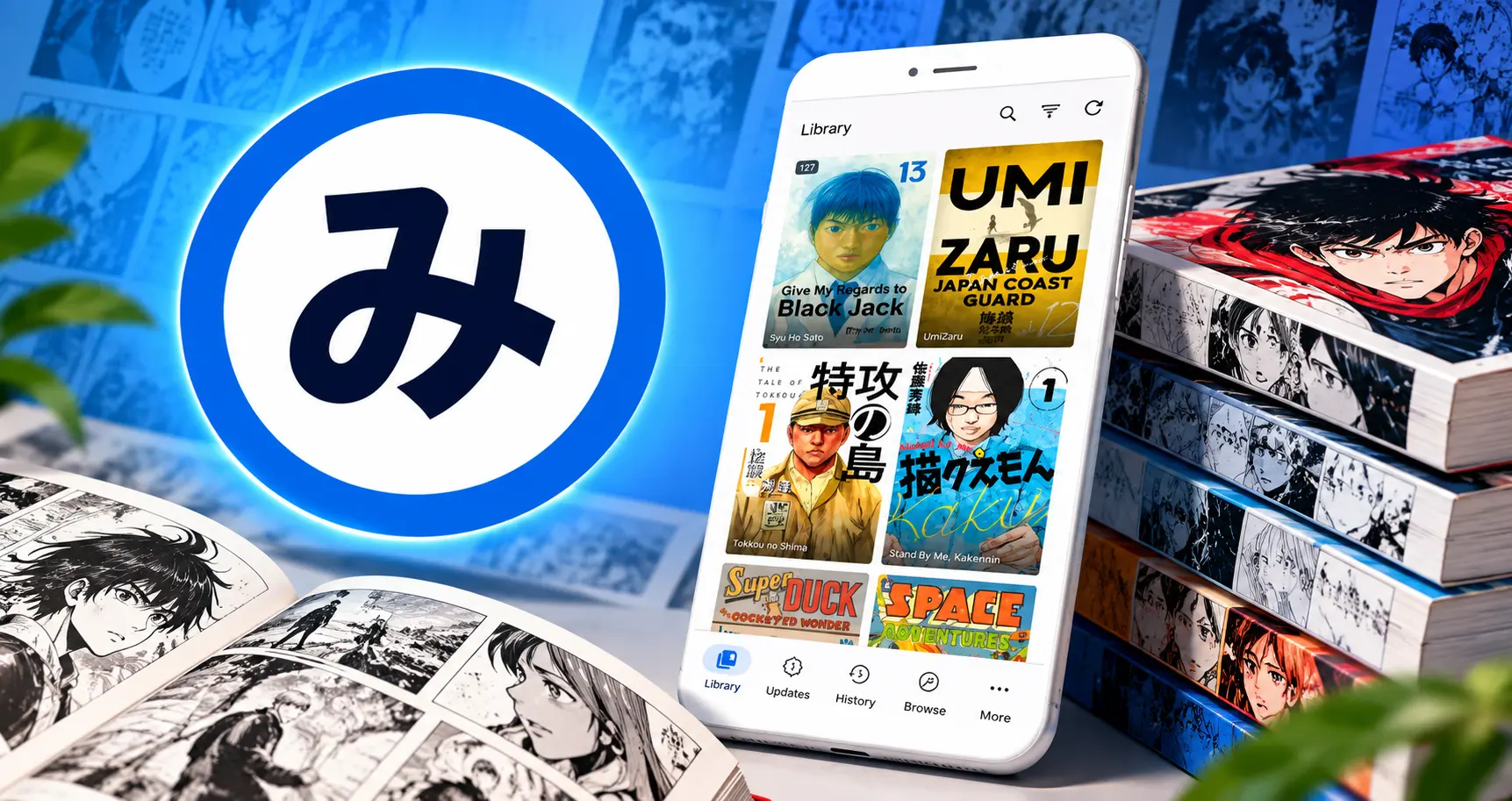
Mihon: A complete app for reading manga, webtoons, and comics

Mihon stands out as a flexible solution for Android users who want more control over their manga-reading experience. Its combination of open-source development, customizable reading options, library management, chapter tracking, source extensions, and offline downloads makes it considerably more flexible than a basic comic viewer.
Mihon is a free, open-source reading app for Android. It gives you a simple and flexible way to organize and read digital manga, comics, manhwa, and manhua. Built as a modern replacement for older open-source manga readers, Mihon focuses on easy library management, clean design, offline reading, and customization. Unlike traditional reading apps that rely on just one catalog or service, Mihon gives you full control. With Mihon, you can. Organize content. Bring together titles from different supported sources into one personal library.
Track your progress. Easily keep track of what you have read and what to read next. Read offline. Download chapters directly to your device to read anytime without an internet connection. Customize your view. Adjust the reader settings to match how you like to read. If you want more control over your digital comic library, Mihon combines open-source code, source management, reader customization, and offline features into one easy-to-use app.
What Is Mihon?
Mihon is an open-source manga reader for Android. It is primarily designed for users who want to read and manage manga and similar digital publications through one application. The application itself is better understood as a reading and library-management platform rather than a traditional manga publisher or content provider. Depending on the sources and extensions a user configures, Mihon can provide access to catalogs that can then be organized inside the application.
One of Mihon’s major strengths is its flexible architecture. Instead of forcing every reader into the same catalog, interface, or reading configuration, it provides tools that allow users to build an experience around their own preferences. This makes Mihon particularly appealing to experienced Android users who value control and customization.
| APP Name | Mihon |
| Size | 7.95MB |
| version | v0.20.4 |
| Category | entertainment |
| Platform | Android |
| License | Free |
| Developer | Mihon |
| Last updated | ToDay |
Mihon Features
Mihon includes a broad range of features intended to make manga management and reading more convenient.
Clean and Customizable Reading Experience
Mihon provides a reader interface designed to keep attention on the actual content. Users can adjust several reading preferences to create an experience that suits their device and personal reading habits. Depending on the content, readers can choose different page layouts, scrolling approaches, and display settings.
Personal Manga Library
The Mihon library allows users to organize titles they are currently reading, plan to read later, or want to keep available for quick access.
Instead of repeatedly searching for the same title, users can add it to their library and manage it from a centralized location.
A well-organized library can make a substantial difference for readers who follow multiple ongoing series.
Chapter Tracking
Keeping track of reading progress is another important part of Mihon’s functionality.
The application can maintain information about chapters that have been read and help users identify where they stopped. This is especially useful when following several long-running series simultaneously.
Offline Reading
One of Mihon’s useful capabilities is chapter downloading for offline reading. When supported content is downloaded to the device, users can read it without maintaining a constant internet connection. This can be convenient when traveling, commuting, or reading in locations with unreliable connectivity. Offline reading can also reduce repeated loading times because previously downloaded pages are stored locally.
Multiple Reading Modes
Different manga formats can require different reading methods. Mihon offers reading configurations that allow users to choose an approach that feels natural for the material. Traditional manga may be more comfortable with a page-by-page layout, while webtoons and vertically formatted comics can benefit from continuous scrolling.
Source-Based Content Management
Mihon’s architecture can work with supported content sources through extensions. This provides a more flexible experience than an application tied to one catalog. Users can manage compatible sources and search for available titles through the application. However, source availability and compatibility can change over time, so users should always verify that a source is currently supported and that they have the right to access its content.
Search and Browse Tools
Finding manga becomes easier through built-in search and browsing functionality. Users can search for titles, explore available catalogs, and add relevant series to their library. This reduces the need to repeatedly navigate between different services.
Reading Progress Synchronization Options
Depending on the configuration and available integrations, Mihon can support ways of keeping reading progress organized across supported services or workflows. For users who read frequently, progress tracking helps maintain continuity and prevents the common problem of forgetting the last chapter read.
Download Management
Mihon can manage downloaded chapters so users can prepare content before going offline. Readers who prefer downloading multiple chapters can use its download-related functionality to organize their offline reading material more efficiently.
Customizable User Interface
One of Mihon’s biggest advantages is its emphasis on user customization. Readers can configure aspects of the application and reading environment rather than being restricted to a fixed interface. This is particularly useful for users who have different preferences for light and dark environments, navigation, reading direction, and page presentation.
Mihon Extensions
Extensions are an important part of the Mihon ecosystem. They can provide connectors for supported sources, allowing the application to retrieve catalog information and chapters through compatible implementations. However, users should be careful when installing extensions from unknown locations. Third-party packages can present privacy, security, compatibility, and legal risks. It is recommended to use trusted project documentation and reputable sources when configuring extensions. Users should also remember that an extension being technically accessible does not necessarily mean every piece of content available through it is authorized for redistribution or access in their country.
How to Download Mihon APK on Android
Mihon is a very popular streaming app that allows its users to watch premium content in high quality for free. If you are interested in downloading this streaming app on your mobile, then follow these steps.
- First of all, search for the app and visit the trusted website on Chrome.
- Now, find the download button, which is available on the home page.
- After that, go to the mobile settings and allow all unknown permissions.
- Now tap to install the app and wait for a few seconds.
- When the app logo appears on the home screen, tap to open it and enjoy streaming for free.
How to Download Mihon on PC or Laptop
Mihon for PC is a free streaming application which offers to watch movies and TV shows. The app is compatible with many devices, so you can easily download the app on a PC. You can enjoy the same features as Android. Follow these steps to download the app on PC.
- First of all, install the emulator from the official website.
- Download and install an Android emulator like BlueStacks.
- After that, open the emulator and sign in if required; if not, then skip.
- Now visit the trusted website and download the app from the trusted website.
- After that, drag and drop the APK file into the emulator.
- Now wait for the installation process.
- When the app is installed, open it on PC and enjoy movies on a bigger screen.
Mihon Safety Tips
When using any open-source reader that can connect to third-party sources, basic security practices are important.
- Use trusted downloads. Avoid modified APK files from unknown websites.
- Check permissions. An application should not require suspicious permissions unrelated to its functionality.
- Keep the application updated. Updates can provide compatibility improvements and security fixes.
- Be cautious with extensions. Only install extensions from sources you trust.
- Protect personal information. Avoid entering sensitive credentials into unfamiliar services.
- Respect copyright. Use content through legitimate and authorized channels whenever available.
Frequently Asked Questions About Mihon
What is Mihon used for?
Mihon is an Android application designed for reading and organizing manga, comics, manhwa, manhua, and similar digital content through supported sources.
Is Mihon free?
Yes. Mihon is distributed as free and open-source software.
Can Mihon work offline?
Yes. Supported chapters can be downloaded for offline reading.
Does Mihon have a built-in manga catalog?
Mihon relies on compatible sources and extensions rather than functioning solely as a single centralized manga catalog.
Can I use Mihon on a tablet?
Yes. Mihon is designed for Android devices, including smartphones and tablets.
Does Mihon track reading progress?
Mihon provides library and reading-progress management features that help users keep track of chapters.
Can I customize the reading experience?
Yes. Mihon provides multiple settings that allow users to adjust aspects of the reader and interface.
Are Mihon extensions safe?
Safety depends on where an extension comes from and what it does. Users should rely on trusted sources and official project documentation rather than installing unknown packages.
Final Thoughts on Mihon
The application’s greatest strength is its ability to put the user in control of how a personal digital reading library is organized and accessed. At the same time, that flexibility means users need to understand how sources and extensions work and should take responsibility for choosing trustworthy services and respecting copyright. For Android readers who value customization and personal library management, Mihon provides a powerful and adaptable reading environment.